How to Automate AWS Startup and Shutdown: Setup Procedures, Selection Guide, and Points to Note
- aws
- Amazon EC2
- Operation automation



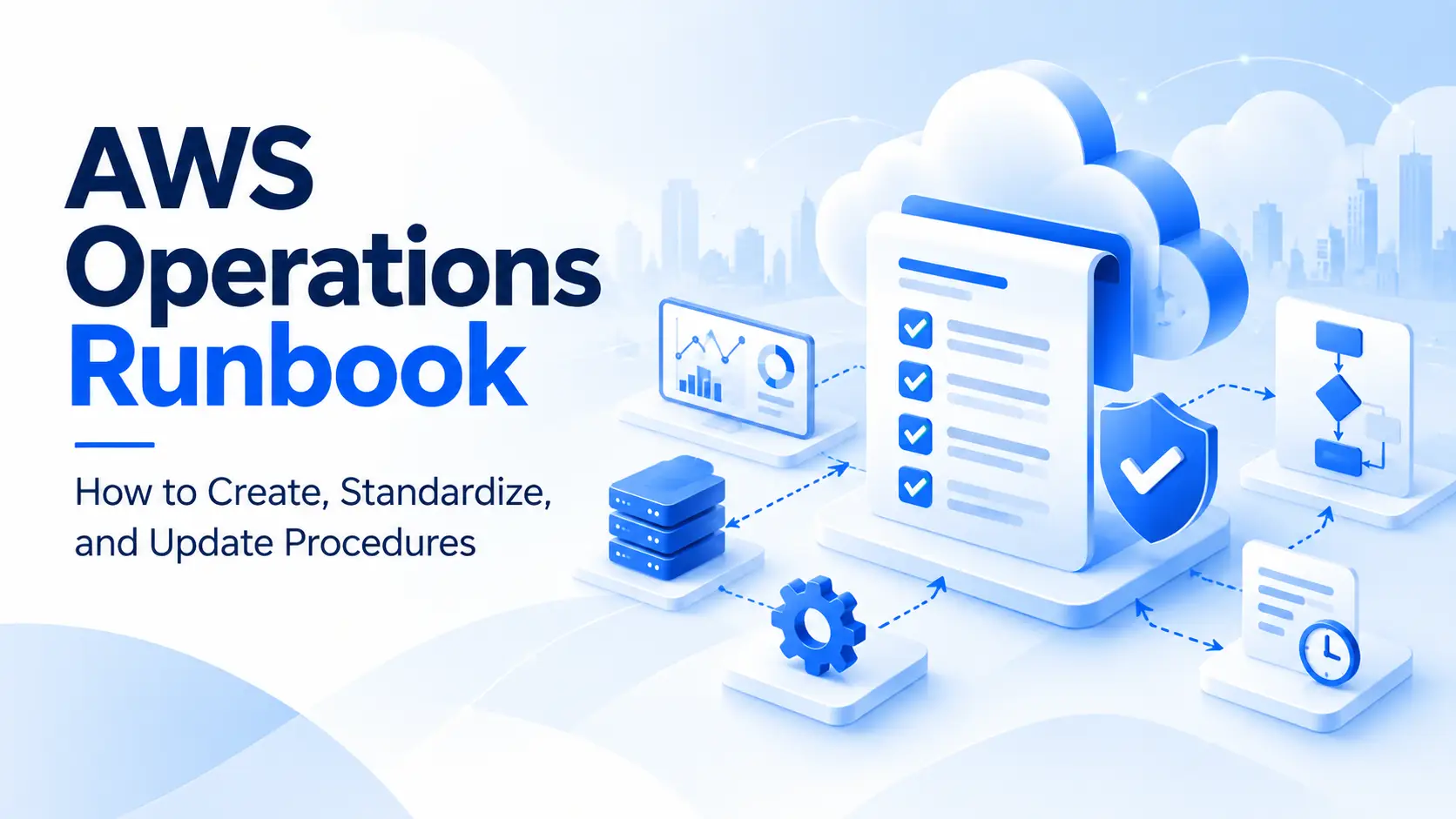
Relying on the experience and memory of the person in charge of AWS operations can lead to inconsistencies in work methods and decision-making, resulting in oversights and delays in responses. To prevent this reliance on individual expertise, operational procedures manuals are essential.
The procedure manual needs to be reviewed to reflect any changes in the AWS environment. If the content deviates from the actual environment, it can actually cause confusion during the process.
This article explains the necessary items and creation methods for AWS operation procedures, provides concrete examples for routine operations, incident response, and configuration changes, and outlines key points for continued use after creation.
AWS operational procedures manuals are documents that summarize the tasks that personnel actually perform, such as monitoring, backups, configuration changes, and incident response.
The AWS Well-Architected Framework suggests using runbooks for routine tasks and playbooks for investigating and resolving problems. Establishing these procedures reduces variability in judgment and work methods among team members, making it easier to reproduce the same results.
The operational design document is a document that determines "what policies will be followed in operations," while the operational procedures document is a document that summarizes "how those policies will be implemented in practice."
The operational design document defines the monitoring targets, backup policies, procedures for handling failures, and change management rules. The operational procedures document then breaks down these into specific tasks to be performed.
For example, if the operational design document specifies that "EC2 instances should be backed up regularly," the operational procedure document would describe the target resources, the timing of the backup, the operating procedure, how to confirm completion, and what to do in case of failure.
An operational design document alone does not explain the actual work procedures. On the other hand, if procedures are created without a defined operational policy, the purpose of the work and the criteria for determining whether it is working correctly will become ambiguous.
AWS allows you to change settings via the Management Console or CLI. Incorrect operation could lead to service outages or security issues.
Without a procedure manual, operations tend to become unstructured, such as "Ask person A in this case" or "Only person B can change this setting," which can cause work to halt when the person in charge is absent or changes in personnel.
Having established procedure manuals ensures that even if the person in charge changes, they can still perform tasks according to the same procedures and decision-making criteria. The AWS Well-Architected Framework also highlights the benefits of runbooks, such as reducing manual errors and ensuring consistent results regardless of who is performing the task.
AWS operation procedures documents include information on the tasks to be performed, the person responsible, the conditions for implementation, the operating procedures, the completion criteria, and how to handle abnormal situations.
Specify the target AWS account, service, and resource, as well as the tasks to be performed, to clearly define the scope of the procedure.
In addition, we will list the department and person in charge, as well as the IAM roles and permissions required for the task. AWS recommends "least privilege" as the best practice for IAM, which means granting only the permissions necessary to execute the task.
For example, when performing an operation on Amazon EC2, you specify the target instance, region, the operation to be performed, and the IAM role to be used.
Related article:What is the principle of least privilege? The risks of excessive privileges and specific steps for designing IAM.
This section outlines the conditions for commencing work, including the date and time of the work, maintenance duration, whether prior approval was required, and the completion status of related tasks. It also specifies the estimated time required and the scope of any potential impact on users, such as service interruptions.
The pre-check involves verifying the target resources, current settings, and backup status.
Simply stating that "backups have been made" leaves the verification process up to the individual in charge. By deciding which resources should be backed up and where to check them, you can prevent mistakes in identifying the wrong resources or overlooking any checks.
The instructions will be written in a level of detail that allows the person in charge to follow them and perform the task.
If using the AWS Management Console, the target service, configuration items, and input values will be shown in order. If using the AWS CLI, in addition to the command, the target environment, parameters, and expected execution results will also be included.
It's important to note that writing too much detail increases the burden of updates. If you fix the positions of screen captures and menus, you'll have to make corrections every time the AWS screen configuration changes.
The goal is to have a level of granularity that clearly shows what actions are being taken on which resources, what the state will be before and after the changes, and what results constitute success.
We will determine what to check after the work is completed and what state constitutes completion.
If you've made a configuration change, in addition to confirming that the setting has been applied, you should also check whether the target service is functioning correctly and whether any unexpected alerts or errors have occurred.
The AWS Well-Architected Framework recommends clearly defining the desired outcome of your runbooks. Defining completion criteria helps prevent overlooking situations such as "the operation is complete, but the service is not functioning correctly."
In case an error occurs, you should define the conditions under which to continue the work, the conditions under which to stop it, and the procedure for reverting to the previous state.
Instead of simply stating "contact the person in charge if necessary," we will specify the conditions under which a decision can be made.
It has been several minutes since the initial response began, but the system is still not restored.
The same error occurs even after retrying it several times.
The impact on the service has spread to XX.
The time and frequency are not fixed, but are set according to the importance of the system, SLO, RTO, and the severity of the failure.
The AWS Well-Architected Framework also suggests the idea of pre-defining escalation triggers and procedures, and setting conditions such as the passage of a certain amount of time.
AWS operational procedures are created by identifying and prioritizing the tasks to be performed. They are then published after being reviewed by a third party.
We will identify the operational tasks currently occurring in the AWS environment.
The scope includes monitoring, backup, account and permission management, configuration changes, maintenance, and incident response. This includes not only routine tasks but also tasks performed in the event of an incident or configuration change.
In addition to the operational design document, we also review work tickets, incident records, and inquiry history. This is because interviews with the person in charge alone may overlook tasks that are normally performed without conscious thought, or infrequent exceptions.
Tasks such as "Only Mr./Ms. XX knows how to do this" or "If there's a problem, ask Mr./Ms. YY" will also be considered for proceduralization.
You don't need to proceduralize all tasks at once. Prioritize based on factors such as frequency of execution, the impact of failure, the difficulty of decision-making, and the degree of dependence on specific individuals.
The following tasks have high priority:
High frequency of implementation
It will be carried out by multiple people.
The consequences of incorrect operation are significant.
We need to respond quickly in the event of a failure.
Only specific personnel know how to handle this.
However, it's not always best to create procedure manuals starting with the highest priority tasks.
The AWS Well-Architected Framework suggests starting runbook creation with tasks that are performed at a reasonable frequency, have relatively short procedures, and whose failures have minimal impact. One approach is to first solidify the format and review methods with low-risk tasks, and then expand to more important tasks.
This is not a general AWS operation guide, but rather one tailored to your company's specific environment.
Specify the AWS account, region, service, target resources, and required IAM permissions, and describe them in the order of the actual work. Include pre-work checks, completion criteria, and how to handle errors.
For example, simply stating "Stop Amazon EC2 instances" doesn't specify the target or execution conditions. You need to be more specific, specifying which instances to stop, under what conditions, and what to check to determine if the task is complete.
The AWS Well-Architected Framework also recommends that runbooks include expected results, necessary tools and permissions, error handling, exceptions, and escalation.
After creation, the procedure manual is handed over to another person to execute. The AWS Well-Architected Framework also outlines a process where another team member runs the runbook and updates it if there are any omissions or unclear points.
In this verification,The creator does not provide explanations from the sidelines.That is the point.
If there are any parts where the work cannot proceed without additional information, that information is missing from the procedure manual. Record any questions asked, any parts where you were unsure of the answer, and any parts where the results were different from what was expected, and revise the content accordingly.
If possible, test in a test environment that does not affect the production environment. This makes it easier to find gaps in prerequisite knowledge that the creator themselves might not notice.
Once the verification process is complete, the procedure manual will be reviewed by the person in charge and then made available in a location accessible to the operations staff.
The administrator, update date, and version are clearly indicated so that it is clear which procedure is the current one.
The AWS Well-Architected Framework also outlines the idea of centrally publishing runbooks and updating them in accordance with process changes. Specific update methods will be explained later in the section "Updating Procedures in Line with Changes in the AWS Environment."
Having a standardized format reduces omissions and errors in procedure manuals, and makes reviews and updates easier. You can adjust the items according to the type of work you're doing.
The AWS operation procedures manual will include the following items:
Item | Description |
Work name/purpose | What is the purpose of this work? |
Target | AWS account, region, service, resources, etc. |
Target individuals and managers | Workers responsible for tasks and those in charge of managing procedures. |
Required permissions and tools | IAM roles, tools to be used, etc. |
Implementation conditions | Implementation date and time, prior approval, maintenance time, etc. |
Acitivity Time | Estimated time required for the task |
Prior confirmation | Current settings, backups, and the status of related tasks. |
Work procedure | The actual steps to be performed are listed in order. |
Completion conditions | What should be confirmed to indicate a successful completion? |
Emergency response | Conditions for stopping the operation, and how to handle errors. |
Goodbye | Conditions and procedures for restoring to the original state |
escalation | Contact information and conditions such as the time, frequency, and impact of contact. |
Execution Log | Date and time of implementation, implementer, results, necessary evidence |
update information | Update date, updater, version, changes |
The runbook examples provided by the AWS Well-Architected Framework also include information such as purpose, tools used, required permissions, author, last modified date, and escalation target.
All instruction manuals do not need to be the same length. Adjust the items according to the risks and complexity of the task.
Repetitive tasks, such as checking monitoring results and backup status, can be organized as follows:
This is an example of how to check an AWS Backup backup job.
Item | Example of description |
Purpose of work | Verify that backups are being taken as expected. |
Target | Target AWS account, region, backup target |
Timing of implementation | Until the specified time on each business day |
Work procedure | Check the jobs for the target period and resources in AWS Backup. |
Completion conditions | Check the status of the target job and the necessary recovery points, and if there are no problems, |
Emergency response | Check jobs and status messages such as FAILED and EXPIRED, and investigate the cause. |
escalation | If you are unable to retry the process or if you cannot secure a backup by the designated time, please contact the operations manager. |
In AWS Backup, there are jobs that show "Completed with issues" on the console. This status is also available via the API.COMPLETEDbut,MessageCategory TheSUCCESSThat's unexpected.
When automating verification using APIs or CLIs,COMPLETEDIf you only use status as the criterion for successful completion, you might overlook jobs that require attention. The completion criteria should include not only the job status but also the results that actually need to be checked.
Related article:AWS Backup Implementation Guide | Practical knowledge for setting up automatic backups for EC2 and RDS and preventing operational issues
In incident response, we organize the process from anomaly detection and impact assessment to initial response, recovery confirmation, and escalation.
This is an example of using an Amazon CloudWatch alarm as the trigger.
Item | Example of description |
Starting conditions | The specified CloudWatch alarm has entered the ALARM state. |
Initial response confirmation | Check the affected resource, time of occurrence, affected metric, and recent changes. |
Impact assessment | Check the scope of impact on users and related systems. |
Initial response | Execute the predetermined response procedures. |
Recovery conditions | Check the health status and monitoring items of the target service. |
escalation | If the system is not restored within ○ minutes of the initial response, or if the impact exceeds the specified criteria, contact the person in charge. |
Record | Record the time of occurrence, the action taken, the decision made, and the time of recovery. |
CloudWatch metric alarms include:OK,ALARM,INSUFFICIENT_DATEThis is the current state. We don't consider the situation resolved simply because the "ALARM" message has disappeared; we also verify that the affected service is functioning correctly.
Related article:AWS Monitoring Design Basics | Key Points for CloudWatch Utilization and Operation Design
When making configuration changes or performing maintenance, please include the state before and after the change, as well as the conditions for rolling back.
This is an example of changing the settings of AWS resources.
Item | Example of description |
Changes | Target resource and settings before and after the change |
Prior confirmation | Check related resources, backups, and the impact on users. |
Approval | Verify that all necessary change requests and approvals have been completed. |
Change procedure | Change the settings for the target resource. |
Completion conditions | The settings have been applied, and the target service is functioning correctly. |
Cutback conditions | Failure to confirm normal operation within the specified time, error rate exceeding the standard, etc. |
Pruning procedure | Revert to the previously recorded settings and reconfirm that everything is working correctly. |
Execution Log | Record the person who implemented the change, the start and end times, and the results of the changes. |
Simply stating "revert to the previous state if there is a problem" leaves the person in charge to decide when to roll back on the spot. By deciding on conditions such as time and error rate before starting the work, you can reduce the amount of decision-making required after a problem occurs.
If the instructions in the manual become out of sync with the actual AWS environment, or if it becomes difficult to find the latest version, it will gradually stop being referenced. If it reverts to a situation where "it's faster to ask someone who knows more," the problem of reliance on specific individuals will not be resolved.
After creation, it is necessary to review and update the configuration to reflect changes in the AWS environment and personnel, and to maintain it in a usable state.
If resources are added or removed, settings are changed, or the services being used are changed, the relevant procedure manuals will also be reviewed.
Regular reviews, such as once every six months, may not be sufficient, as the content could become outdated between the time of change and the time for review. By including a field for "whether related operational procedures need to be updated" in change requests and work tickets, you can check this at the same time as the system change.
The AWS Well-Architected Framework also outlines the idea of treating runbook updates as part of the change management process.
Related article:AWS Configuration Management Approach: How to Track Configuration Changes and Prevent Reliance on Individuals
The handover process provides an opportunity to identify any missing information in the procedure manual.
We will provide the new person in charge with the procedure manual and check if they can perform the tasks without any supplementary information from their predecessor. Any points where questions arise along the way may contain information that relies on the previous person's experience or knowledge.
By adding the questions asked, you can simultaneously proceed with the handover and verification of the procedure manual. The AWS Well-Architected Framework also lists runbooks as a benefit because they make it easier for new team members to start working.
When the person in charge or their role changes, we also check the IAM roles and permissions described in the procedure manual.
Another thing to review is the scope of decisions that the person in charge is allowed to make on their own. For example, you can establish rules such as, "Changes to the production environment settings can be made, but approval from the person in charge is required if it involves a service interruption."
IAM can only control whether an operation is permitted or not. You need to decide separately how much decision-making you will entrust to it for business purposes.
Procedures that are not performed frequently, such as those for troubleshooting and recovery work, are difficult to identify flaws in simply by reviewing them.
This is where "Game Day," recommended by the AWS Well-Architected Framework, comes in handy. It simulates failures and abnormal events to verify that systems, people, and processes function in a situation close to actual failure response.
If it's a troubleshooting procedure manual, you should check the following points:
Can the person in charge find the procedure manual quickly?
Can it be handled with the necessary permissions?
Will the escalation process function as intended?
Can you correctly determine the recovery conditions?
Will any decisions not covered in the procedure manual arise?
Deficiencies in the incident response procedures must be identified before an actual incident occurs in the production environment.
If the Game Day did not proceed as planned, we will identify the cause and revise the procedure manual and operational processes. AWS also recommends conducting a post-event review and incorporating improvements.
Tasks that involve repeating the same operation every time are candidates for automation.
AWS Systems Manager Automation allows you to define a series of operations on AWS resources as a runbook. In addition to the predefined runbooks provided by AWS, you can also create your own custom runbooks.
However, automating a process with ambiguous steps will incorporate that ambiguity into the process itself. Therefore, it's best to first confirm the conditions for successful completion and how to handle abnormal situations, and then automate only the parts that don't require judgment.
The AWS Well-Architected Framework also suggests an approach of automating short, frequently used runbooks first, and then gradually expanding the scope of automation.
The purpose of AWS operational procedures manuals is to ensure that the same procedures can be followed even if the person in charge changes.
During creation, we identify and prioritize operational tasks, and then specify the content to match the actual AWS environment. After publication, we verify that the procedures function correctly through third-party execution checks and Game Days, and revise them as the environment changes.
For repetitive, routine tasks, you can consider automating them using tools like AWS Systems Manager Automation.
First, try to identify one task in your current AWS operations that only a specific person knows how to do.